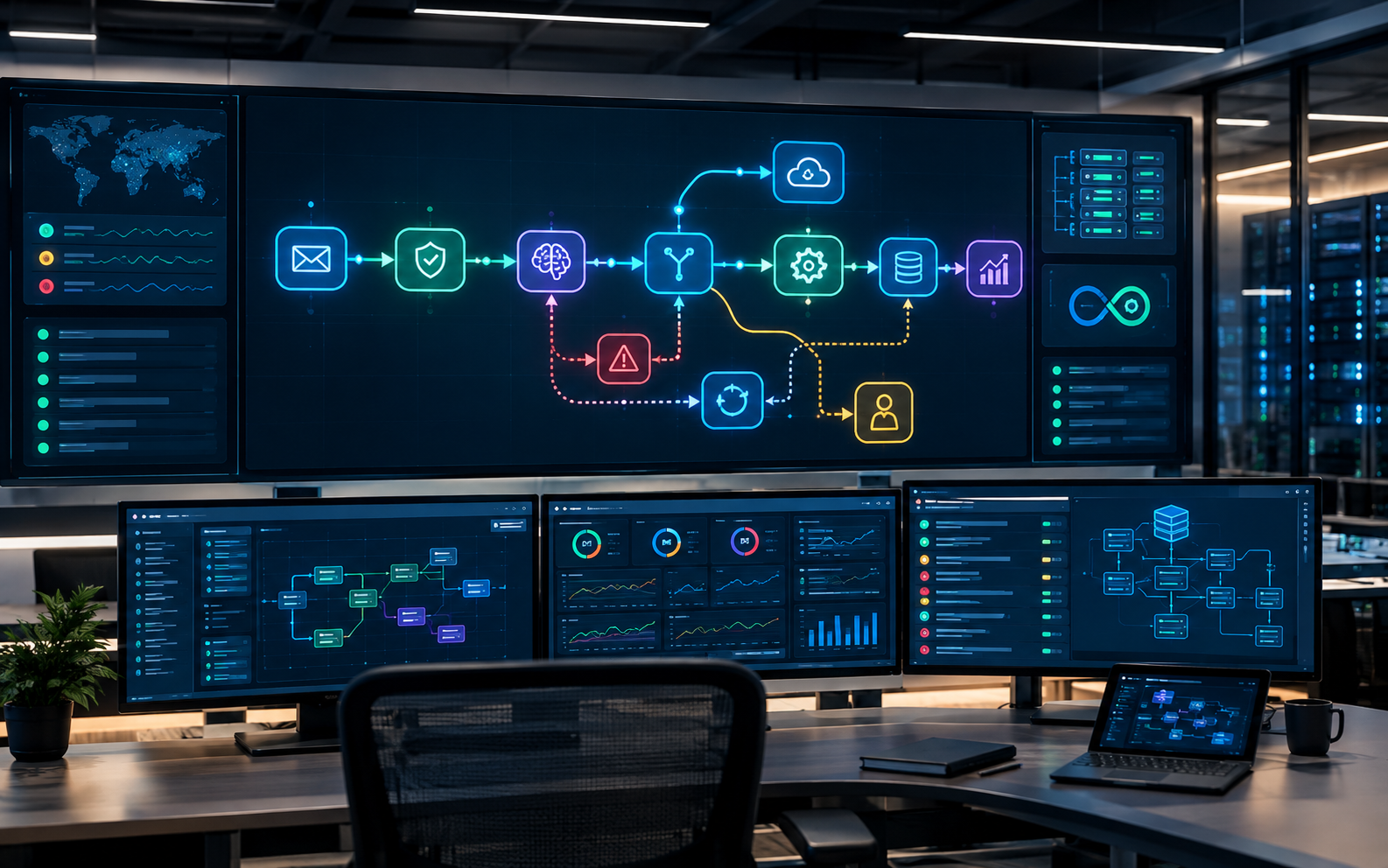
Automation is easy to demonstrate when everything goes right.
A form arrives. An AI model processes it. A CRM gets updated. An email is sent. A notification appears in Slack. The workflow finishes successfully.
The harder question is what happens when something goes wrong.
What if the CRM is temporarily unavailable? What if the AI returns an incomplete decision? What if the same webhook arrives twice? What if a customer replies while an automated follow-up is still running? What if the workflow reaches a situation that requires a human?
These are not edge cases in production. They are normal operating conditions.
The difference between a useful automation and a production automation system is often the architecture behind the visible workflow.
Automation Is a System, Not a Chain of Actions
Many automation projects begin as a sequence:
Trigger → AI → Action → Done
This is enough for a simple internal task. It becomes fragile when the automation starts handling real business processes.
A production system needs to account for more than execution. It needs to understand state, failures, retries, ownership, and recovery.
For example, consider an AI lead qualification system.
A basic workflow might receive a lead, ask an AI model to classify it, and create a CRM record.
A production-oriented design asks additional questions:
Has this lead already been processed? What information was available when the decision was made? What happens if the CRM API fails? Should the system retry the request? What happens if the AI output does not match the expected structure? Who handles leads that the system cannot confidently classify? How does the team know that an automation failed? Can an operator inspect what happened without reading the entire workflow?
Those questions move the design from workflow automation toward systems engineering.
For businesses exploring AI Employees, this distinction is particularly important. An AI employee is expected to operate within a business process, not simply execute an isolated AI task.
State Is the Foundation of Reliable Automation
One of the easiest mistakes in automation design is treating every workflow execution as independent.
Real business processes have history.
A lead may have submitted a form three days ago. A sales representative may have contacted them yesterday. The lead may have replied this morning. An AI system needs enough context to understand where that conversation currently stands.
This is the concept of state.
State represents the information required to understand the current position of a process.
Depending on the system, that could include:
Current lead status Previous actions Last communication Qualification result Assigned team member Pending task Retry count Human review status External system identifiers
Without state, automation tends to make decisions based only on the current event.
With state, the system can make decisions based on the process.
Stateless Versus Stateful Thinking
Imagine a customer submits a consultation request.
A stateless workflow might process the request every time it receives an event.
A state-aware system can first determine:
This contact already exists, has been qualified, and is currently waiting for a sales response.
That changes the next action completely.
Instead of creating another opportunity or sending another message, the system can update the existing record or wait for the next meaningful event.
This becomes increasingly important as automations interact with CRMs, email, calendars, support systems, and messaging platforms.
The workflow is no longer just moving data.
It is managing a business process over time.
Design for Failure Before You Design for Success
Production systems should not assume that external services will always respond correctly.
APIs fail. Credentials expire. Rate limits appear. Network requests time out. Third-party platforms change behavior. AI models occasionally produce outputs that do not fit the expected structure.
A reliable automation treats these possibilities as part of the design.
Retries Need Rules
A retry mechanism sounds simple:
If the request fails, try again.
But not every failure should be retried.
A temporary network timeout may justify another attempt.
An invalid API key does not.
A malformed request should probably be fixed rather than repeatedly submitted.
A rate-limit response may require a delay before another attempt.
This means retry behavior should be based on the type of failure, not simply whether an error occurred.
A practical production workflow can define:
Which errors are retryable How many retries are allowed How long to wait between attempts What happens after the final failure Where the failure is recorded Who is notified when intervention is required
This prevents an automation from silently failing or repeatedly hammering an unavailable service.
Idempotency Prevents Duplicate Actions
Another important production concept is idempotency.
In simple terms, the system should be able to recognize when the same event has already been processed.
Consider a payment notification, form submission, or webhook.
If the same event is delivered twice and the workflow creates two CRM opportunities, sends two emails, or books two appointments, the automation has created a business problem.
A production system can store a unique event identifier or another reliable reference and check whether that event has already been processed.
The logic becomes:
Receive event → Check state → Process only if necessary → Record completion
This small architectural decision can prevent surprisingly expensive operational errors.
AI Requires an Additional Layer of Control
Traditional automation generally follows predictable instructions.
AI systems introduce another variable: non-deterministic reasoning.
An AI model may understand a request correctly most of the time, but production systems should not assume that every response will be perfectly structured or appropriate for the next action.
This is why AI should not always be placed directly between a trigger and an irreversible business action.
For example:
Webhook → AI → Delete Record
is very different from:
Webhook → AI → Validate Decision → Apply Rules → Human Review if Needed → Delete Record
The second architecture creates control around the AI.
Structured Outputs Matter
If an AI component is responsible for classification, the downstream system should not have to interpret an unpredictable paragraph of text.
A better design defines the expected output.
For example, the AI might be expected to produce:
Qualification status Confidence level Reason Recommended action Required escalation
The system can then validate whether those fields exist and whether their values are acceptable before continuing.
This does not make AI infallible.
It makes the surrounding system less dependent on AI being perfect.
Human Escalation Is Part of Automation
A common misconception is that good automation should remove humans completely.
For many business processes, the opposite is true.
The strongest systems automate routine decisions while creating a clear path for humans when the situation falls outside defined boundaries.
Consider a customer support or lead qualification system.
If the request is straightforward, the AI can handle it.
If the request is ambiguous, sensitive, high-value, or outside the system's defined scope, it can escalate.
That escalation should not simply mean:
Something went wrong.
It should provide useful context.
A human operator should ideally receive:
What happened What the AI understood What information was available What decision was attempted Why escalation occurred What action is waiting for the human
This creates a human-in-the-loop architecture rather than treating human intervention as a failure of automation.
The goal is not to automate everything.
The goal is to automate the right parts and make human intervention efficient when it is necessary.
Observability Turns Invisible Failures Into Operational Signals
An automation that fails silently is difficult to trust.
If a workflow stops processing leads at 2:00 AM and nobody notices until the next afternoon, the problem is not only the failed workflow. The problem is the lack of visibility.
Production automation needs some level of observability.
The exact implementation depends on the system, but useful signals can include:
Successful executions Failed executions Processing duration Retry counts Escalations API failures AI validation failures Unprocessed events Business-level exceptions
The purpose is not to create dashboards for the sake of dashboards.
The purpose is to answer a practical operational question:
Is the system doing what the business expects it to do?
This is especially important when automation becomes part of a revenue-generating process.
A workflow that sends notifications is one thing.
A system responsible for lead qualification, customer communication, appointment scheduling, or internal operations deserves a much higher standard of visibility.
Separate Business Rules From AI Reasoning
Another useful architectural principle is separating deterministic rules from AI reasoning.
Not every decision requires an AI model.
Suppose a company has a rule that leads from a particular source should always be assigned to a specific team.
There is little reason to ask an AI model to make that decision.
The system can apply the deterministic rule directly.
AI can then be used where interpretation is actually valuable, such as understanding free-text requirements, classifying intent, summarizing conversations, or extracting information from unstructured input.
This creates a cleaner architecture:
Deterministic rules handle predictable decisions.
AI handles interpretation and reasoning where appropriate.
This approach can make systems easier to test, debug, and maintain.
It can also reduce unnecessary model calls.
Production Architecture Should Have Clear Boundaries
As an automation grows, putting everything into one giant workflow becomes tempting.
It may initially feel efficient.
Eventually, however, the workflow becomes difficult to understand and risky to modify.
A better architecture separates responsibilities.
For example:
Intake Layer
Receives forms, webhooks, messages, or other events.
Processing Layer
Validates and normalizes the incoming information.
Reasoning Layer
Uses AI where interpretation or classification is required.
Decision Layer
Applies business rules and determines the next action.
Action Layer
Updates CRMs, sends messages, creates tasks, or interacts with external systems.
State Layer
Stores the information needed to understand the process over time.
Escalation Layer
Routes uncertain or exceptional situations to humans.
Observability Layer
Records failures, execution status, and important operational signals.
These layers do not necessarily need to exist as separate products or services.
The important point is that their responsibilities are clearly separated.
That makes the system easier to reason about as it grows.
Start With the Business Process, Not the Tool
Tools such as n8n can make complex automation significantly easier to build.
But the tool should come after the process design.
Before opening a workflow editor, define:
What starts the process?
What state exists?
What decisions need to be made?
Which decisions are deterministic?
Where does AI add value?
What actions can be automated safely?
What happens when something fails?
When should a human take over?
What needs to be recorded?
Once these questions are answered, the implementation becomes much clearer.
The same architectural thinking can apply whether the final system uses n8n, custom Python services, APIs, an AI agent framework, or a combination of them.
The technology is the implementation layer.
The business process is the system being engineered.
Build for the Exception, Not Only the Demo
A successful automation demo usually shows the happy path.
Production engineering starts where the happy path ends.
What happens when the API is unavailable?
What happens when the AI is uncertain?
What happens when an event is duplicated?
What happens when the customer changes direction?
What happens when the workflow needs a human?
What happens when nobody is available to respond?
These questions are not distractions from the automation.
They are what make the automation trustworthy.
If you are evaluating an AI automation service, look beyond the number of connected applications or workflow nodes. Ask how the system handles state, errors, retries, escalation, and operational visibility.
A workflow that works once is a demonstration.
A system that can operate, recover, and escalate reliably is production automation.
That is the standard worth designing for.